Python Comments
Tripti Sharma ·
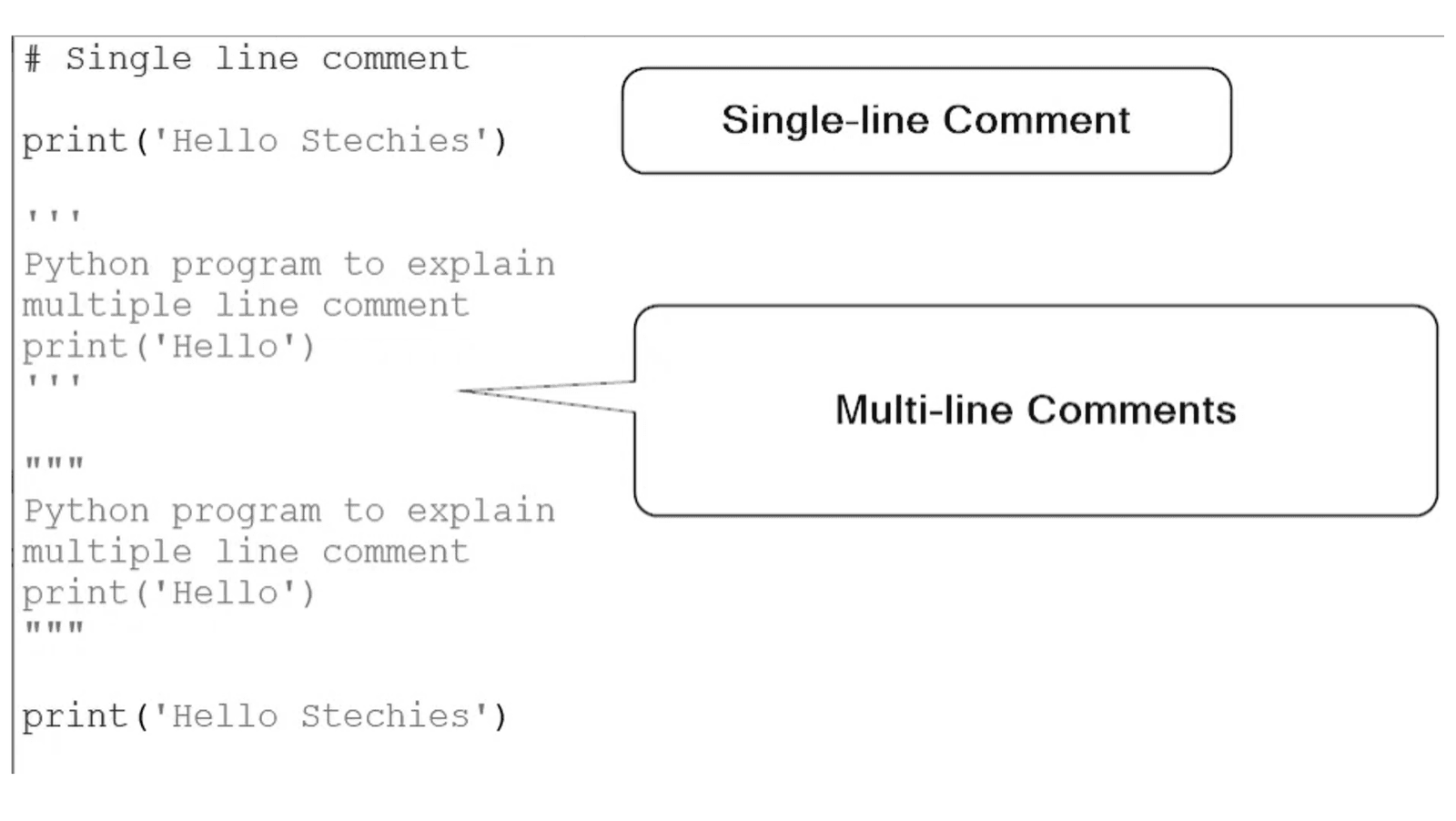
In Python, comments are used to explain code, make it more readable, and prevent execution of certain code lines. Comments can be single-line or multi-line. Python supports two types of comments: single-line comments and multi-line comments.
Single-line Comments
Single-line comments start with the hash character (#) and extend to the end of the line. They are typically used for brief explanations or notes.
# This is a single-line comment
x = 10  # This comment explains the variable x
Multi-line Comments
Python does not have a specific syntax for multi-line comments, but you can use consecutive single-line comments or triple-quoted strings (which are generally used for multi-line string literals) to create multi-line comments. Although triple-quoted strings are not true comments, they are often used as such because they are ignored by the interpreter when not assigned to a variable or used as a docstring.
Consecutive Single-line Comments
# This is a multi-line comment
# using consecutive single-line comments
# to describe the following block of code
y = 20
z = x + y
Triple-quoted Strings
"""
This is a multi-line comment
using a triple-quoted string.
It can span multiple lines.
"""
a = 5
b = 10
result = a + b
Docstrings
Docstrings are a special kind of comment used to describe the purpose of a function, class, or module. They are written using triple-quoted strings and should be the first statement in the function, class, or module.
def add(a, b):
    """
    This function adds two numbers and returns the result.
    :param a: The first number
    :param b: The second number
    :return: The sum of a and b
    """
    return a + b

class MyClass:
    """
    This class represents a simple example.
    It has one method to greet a user.
    """
    def greet(self, name):
        """
        This method greets a user by their name.
        :param name: The name of the user
        """
        print(f"Hello, {name}!")
Examples of Using Comments
Here are some examples to illustrate how comments can be used in Python code:
# Example of a single-line comment
name = "Alice"  # Assign the name Alice to the variable

# Example of consecutive single-line comments
# This block of code calculates the area of a rectangle
length = 10
width = 5
area = length * width  # Area calculation
print("Area:", area)

# Example of a triple-quoted string as a multi-line comment
"""
The following code block demonstrates
how to use a for loop to iterate over a list.
Each item in the list will be printed.
"""
fruits = ["apple", "banana", "cherry"]
for fruit in fruits:
    print(fruit)

# Example of using a docstring in a function
def multiply(a, b):
    """
    This function multiplies two numbers.
    :param a: The first number
    :param b: The second number
    :return: The product of a and b
    """
    return a * b

result = multiply(3, 4)
print("Result:", result)